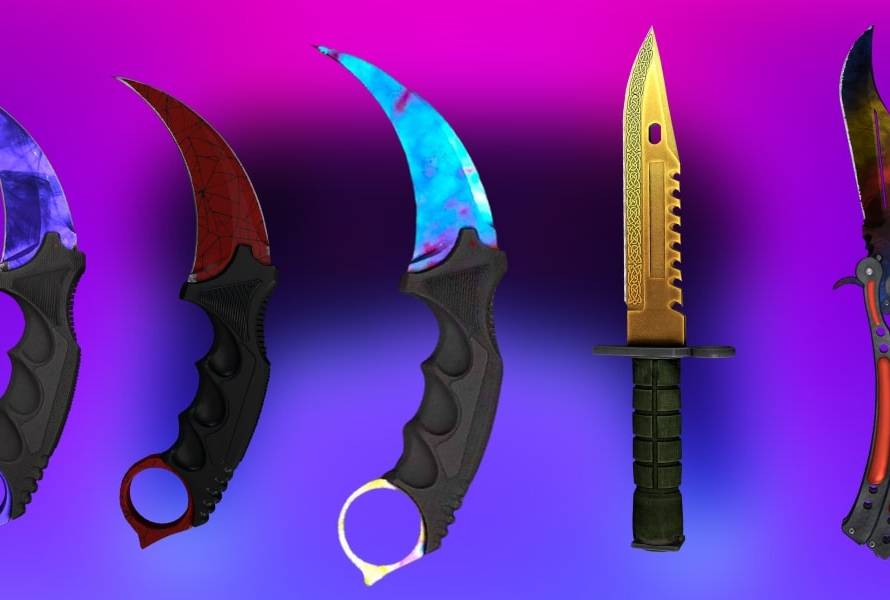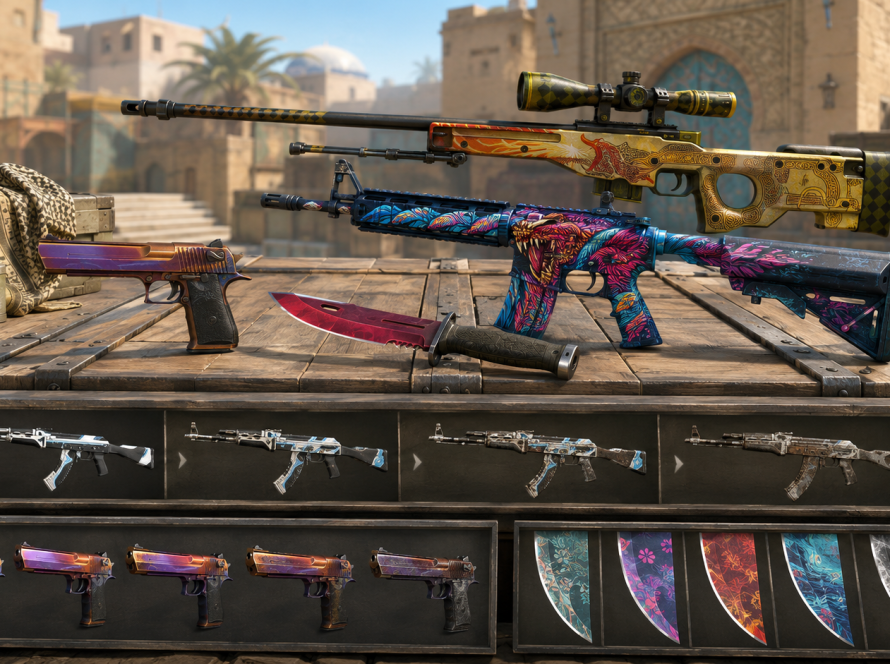

Safe skin shopping starts with basic habits. You do not need to be an expert trader to make better buying decisions. You need a clear process, a trusted storefront, and enough patience to review details before checkout.
Check the site and account flow
Before signing in, make sure you are on the correct domain. Use the visible Steam login flow and avoid entering account details into unfamiliar popups or pages. A clean storefront should make navigation, login, currency, and checkout easy to understand.
Review the exact item
Skin names can be similar, especially when StatTrak, Souvenir, and wear labels are involved. Read the full product title and compare the image before buying. Do not assume two similar names refer to the same item.
Compare category and weapon use
Buy skins for weapons you actually use. If you rarely play with a weapon, even a good-looking skin may not add much value to your loadout. Start with common categories like rifles, pistols, and knives.
Use currency switching before checkout
Multi-currency display helps buyers understand price more clearly. Switch currency in the header before comparing items so you are not mentally converting prices while browsing.
Avoid rushed decisions
The fastest purchase is not always the best purchase. Take a moment to compare wear, price, and visual fit. A focused inventory grows from consistent choices, not random impulse buys.
Skins Dealer is designed to keep the buying path direct: browse the shop, choose the category, review the product, and check out with confidence.